20 IEP Goals for Typing and Keyboarding
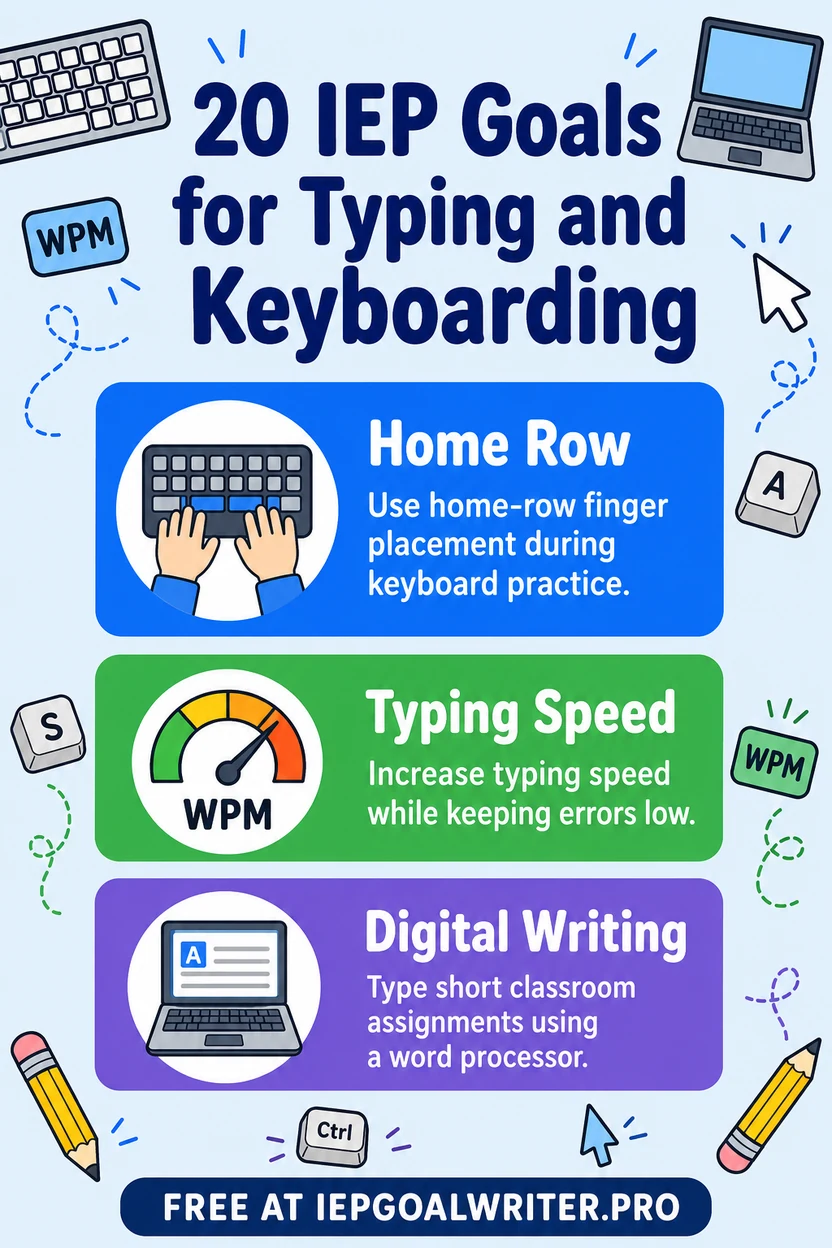
Typing and keyboarding IEP goals should be based on the student’s access method, accuracy, endurance, and functional writing need—not a one-size-fits-all WPM target. For example: By [date], [student] will type a 75-word curriculum response using the assigned keyboarding method with at least 90% accuracy in 4 of 5 samples, as measured by timed work samples.
A keyboarding goal is useful when the student needs specialized instruction to access or produce academic work through typing. Start with the actual access method: standard keyboard, alternative keyboard, voice-to-text with editing, switch access, or another assistive technology. WPM alone is not a complete goal; accuracy, fatigue, quality of written output, and independence with the word processor matter too. These 20 examples include foundational keyboarding, functional writing, editing, and access features. Keep appropriate technology supports in place rather than treating them as a crutch to remove.
Keyboard Accuracy and Technique
- 1.By [date], [student] will type a 3-minute grade-appropriate copy passage using the student’s assigned keyboard access method with at least 90% character accuracy across 3 consecutive probes, as measured by keyboarding accuracy probes.
- 2.By [date], [student] will use the assigned home-row, touch-typing, alternative keyboard, or access technique for the targeted key set with at least 80% correct key selection across 50 keystrokes, as measured by keyboard technique observation data.
- 3.By [date], [student] will type capital letters and common punctuation using the appropriate modifier keys or access routine with 90% accuracy across 20 mixed items, as measured by keyboarding skills probe data.
- 4.By [date], [student] will locate and type numbers and common symbols needed for classroom work without visual search beyond the individualized criterion with 80% accuracy across 20 items, as measured by keyboard-location probe data.
- 5.By [date], [student] will correct a mistyped character using backspace, delete, or the student’s assigned editing access method without retyping the entire line in 4 of 5 opportunities, as measured by error-correction tally data.
Functional Typing Speed and Endurance
- 1.By [date], [student] will type a practiced copy passage at the individualized target of at least the baseline WPM plus the team-selected growth amount while maintaining 90% accuracy across 3 consecutive 3-minute probes, as measured by words-per-minute and accuracy data.
- 2.By [date], [student] will sustain functional typing for 10 minutes using the assigned access setup without stopping for more than one unplanned interval in 4 of 5 sessions, as measured by typing endurance timing data.
- 3.By [date], [student] will type a dictated or self-generated sentence of at least 8 words within the individualized time criterion in 4 of 5 opportunities with at least 90% character accuracy, as measured by functional typing samples.
- 4.By [date], [student] will maintain at least 90% accuracy when typing rate is increased by the next instructional WPM step across 3 consecutive probes, as measured by rate-and-accuracy keyboarding measures.
- 5.By [date], [student] will use a brief reset, positioning, or access routine and resume typing after fatigue or an interruption within 2 minutes in 4 of 5 opportunities, as measured by restart timing and support-use data.
Word Processing for Assignments
- 1.By [date], [student] will open a word-processing application and create or open the correct assignment file using the established file routine in 4 of 5 tasks, as measured by digital workflow checklist data.
- 2.By [date], [student] will type a 3-sentence response to a grade-level prompt using the assigned keyboard or alternative access method in 4 of 5 assignments, as measured by saved work samples.
- 3.By [date], [student] will apply required basic formatting, such as line breaks, capitalization, or heading style, to a classroom document with 80% of rubric elements correct across 5 samples, as measured by word-processing rubric data.
- 4.By [date], [student] will save the document using the class naming convention and place it in the correct folder or platform location in 4 of 5 assignments, as measured by file-management checklist data.
- 5.By [date], [student] will submit the completed digital document through the class platform after verifying the correct file is attached in at least 80% of opportunities across 3 weeks, as measured by submission records and checklist data.
Editing and Keyboard Shortcuts
- 1.By [date], [student] will use keyboard shortcuts or the assigned accessible commands for copy, paste, undo, and save with 80% accuracy across 20 mixed command trials, as measured by keyboard shortcut probe data.
- 2.By [date], [student] will navigate between 2 required fields, links, or document locations using tab, arrow keys, search, or the student’s assigned navigation method in 4 of 5 tasks, as measured by digital navigation checklist data.
- 3.By [date], [student] will select a word or phrase and replace it without deleting unrelated text in 4 of 5 editing opportunities, as measured by before-and-after digital work samples.
- 4.By [date], [student] will use spell-check or another approved editing tool to correct an identified typing error without changing the intended word meaning in 4 of 5 opportunities, as measured by digital editing work samples.
- 5.By [date], [student] will complete a 4-step digital editing routine—review, navigate to error, correct, and save—without an adult taking control of the device with all 4 steps completed in 4 of 5 trials, as measured by digital editing task-analysis data.
A Worked Example: One Student, PLAAFP to Data Plan
Present levels: Amir generates strong ideas orally and meets grade-level content expectations when he can dictate. In a 20-minute handwritten response he produced 28 legible words before reporting fatigue. Across three 5-minute keyboard samples on familiar text, he averaged 16, 17, and 16 words per minute at 87–89% accuracy. In a 20-minute composition with word prediction available, he produced 42 words at 88% accuracy but needed an adult prompt to save, name, and submit the file. His educational impact is limited written output efficiency and dependence on adults for the digital workflow, not lack of ideas.
Annual goal derived from that baseline: By [date], using the student’s established keyboard/access method and approved word-processing supports, Amir will produce a curriculum-relevant typed response at the individualized rate and accuracy criterion, then save/name and submit the file using the taught routine in 4 of 5 assignments, as measured by timed samples, saved work, and a digital-workflow checklist. Specially designed instruction should teach efficient key location or access navigation, accuracy before speed, editing shortcuts that reduce effort, and the file-management routine.
Goal versus accommodation: Keyboard access, word prediction, speech-to-text, alternative keyboards, reduced handwriting, or extended time may be accommodations. The annual goal targets efficient use of the access system and a specific written-production skill. The team should not remove technology to prove that the student can write by hand.
Data plan: Use comparable short typing probes for rate/accuracy and authentic assignments for output/workflow. Track errors as well as WPM, and document the access method because a standard keyboard, alternative keyboard, switch scanning, eye gaze, and speech-to-text produce different meaningful metrics. If rate rises but editing errors surge, prioritize accuracy and efficient correction before raising speed.
How These Goals Change by Grade Band
For young students, focus on purposeful technology access: locating needed keys or symbols, typing a name or short response, using space/backspace, and participating in writing through an accessible input method. Formal WPM targets may be less useful than accuracy and independent access at this stage.
In grades 3–5, add accurate common letter patterns, short curriculum responses, basic file routines, capitalization/punctuation keys, and simple editing. If keyboarding is an access route for written expression, continue grade-level composition while teaching the motor/technology routine separately.
In middle and high school, prioritize authentic productivity: sustained composition, efficient editing, keyboard shortcuts, file naming and organization, digital submission, forms, email or workplace tasks, and selecting among typing, speech-to-text, word prediction, or another access method. WPM should be individualized and paired with accuracy and fatigue/access data. Progression means greater efficiency and independence in real academic or transition tasks, not chasing a generic speed benchmark.
Collecting Data Without Adding a Full-Time Job
Measure typing rate and accuracy together and document the actual access method. A WPM number is meaningless if it ignores error rate, alternative keyboard use, switch scanning, eye gaze, speech-to-text, motor fatigue, or other supports. Use the same timing interval and comparable text difficulty for repeated probes.
Keep transcription and composition separate when needed. Copying a passage measures keyboard mechanics more cleanly; composing an essay also depends on language formulation, planning, spelling, and content knowledge. Use short mechanics probes plus authentic work samples so the team can tell whether keyboard skill is improving and whether that improvement changes classroom output.
Include the digital workflow when it matters educationally: open file, type, edit, save/name, attach/upload, confirm submission. If WPM reaches criterion but assignments are still lost or unsent, the next instructional need may be file management rather than speed. If rate increases while accuracy falls, do not raise the speed target; teach error detection and efficient correction.
Personalization warning: Do not copy a generic WPM benchmark as an IEP goal. Baseline the student on the actual access method, task type, accuracy, and fatigue profile, then choose a functional rate or productivity target connected to school participation. For some students, speech-to-text or another access method is more appropriate than making keyboard speed the primary goal.
FAQ
Paste your assessment data and generate an IDEA-compliant, individualized goal in seconds.
Try it free →